Instructions
Badger is an internally developed application and therefore not widely known to AV software. You will likely receive warnings when running the installer - follow the below instructions to complete successfully.
1. Bypass SmartScreen warnings.


2. Accept UAC.

3. Install with default options.
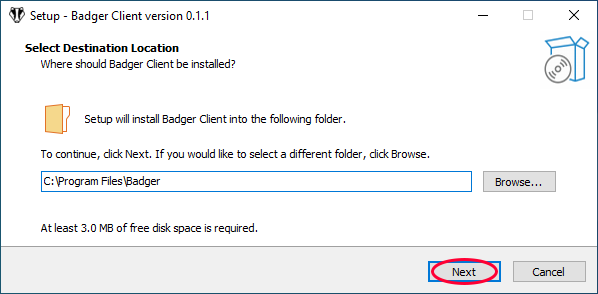
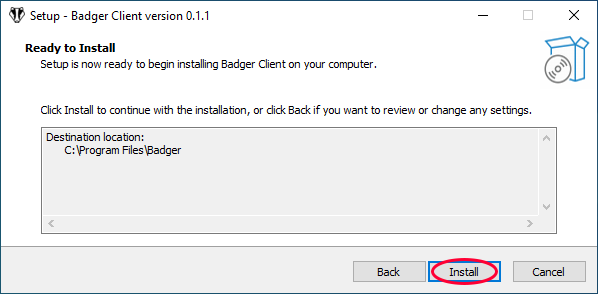

Once the setup is complete, Badger will be running in the background as a Windows
Service.
There is no need to run anything manually.
Troubleshooting
Test Badger-client is working
Open a geotechnical program and look for your session status.
Virus false positive on badger.exe
Add C:\Program Files\Badger to your AV exclusions.